Danchi Days Walkthrough and Guide
Danchi Days is a cozy slice-of-life game created by Sandy Powder, Melos Han-Tani, Mogumu, and Gingham Games. Featuring unique “Look” and “Sense” gameplay mechanics, the game lets you experience everyday life through a variety of fun and quirky mini-games. Hoshino has a unique task in hand. She needs to revive the Danchi summer festival and so wants to invite 51 neighbors to attend the festival.
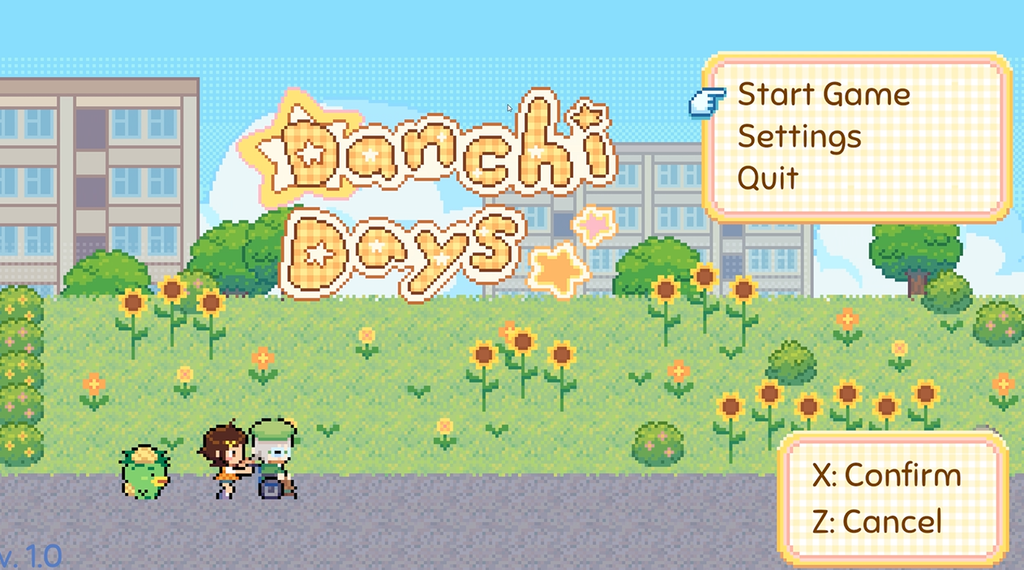
Help Hoshino explore the world of Danchi (a Japanese Housing Complex), talk to neighbors, complete simple tasks, and play various “Sense” minigames before convincing them to attend the festival. In this Danchi Days guide, you will learn more about Sensing, Long Looking, and other unique gameplay concepts, along with a short walkthrough of Chapter 1.
Quick Access
How to Play
Use the Up, Down, Left, and Right arrow keys to move your character.
The game autosaves, but you can manually save in the settings menu. Press P to open the settings/config menu and choose Save to manually save the game.
Long Looking
To find info about a particular spot or item, take a “Look” around. Press X to look at a spot. Move your character so that they face the object and then press X to look at it. When you release X on the tile you want, you will be able to gather more information about it. The look tile will only move in the direction you face. The longer you hold X, the more distance it covers. As of writing this guide, you can “Long Look” at a spot up to four tiles in front of you, so move a bit closer to the spot to long look.
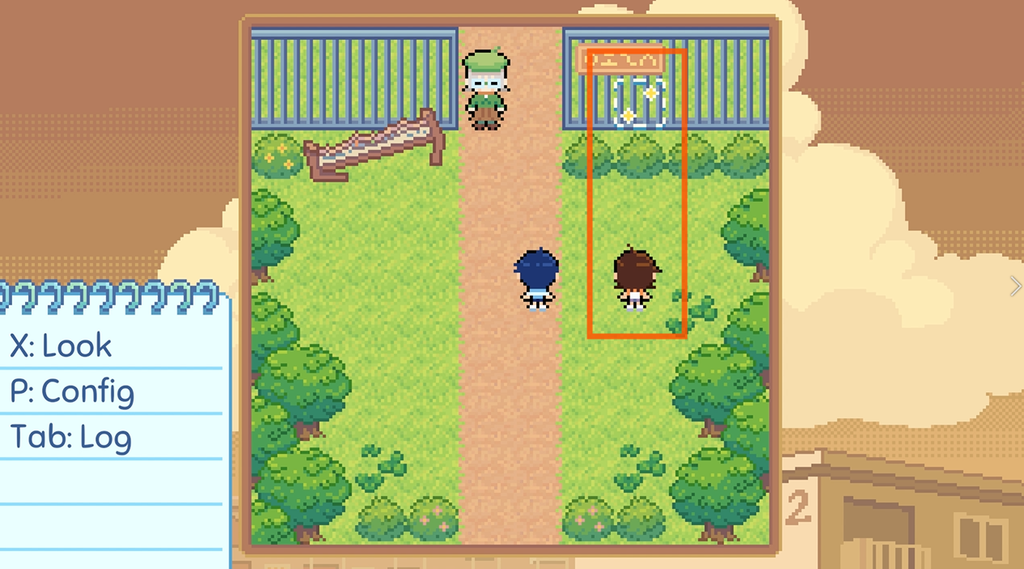
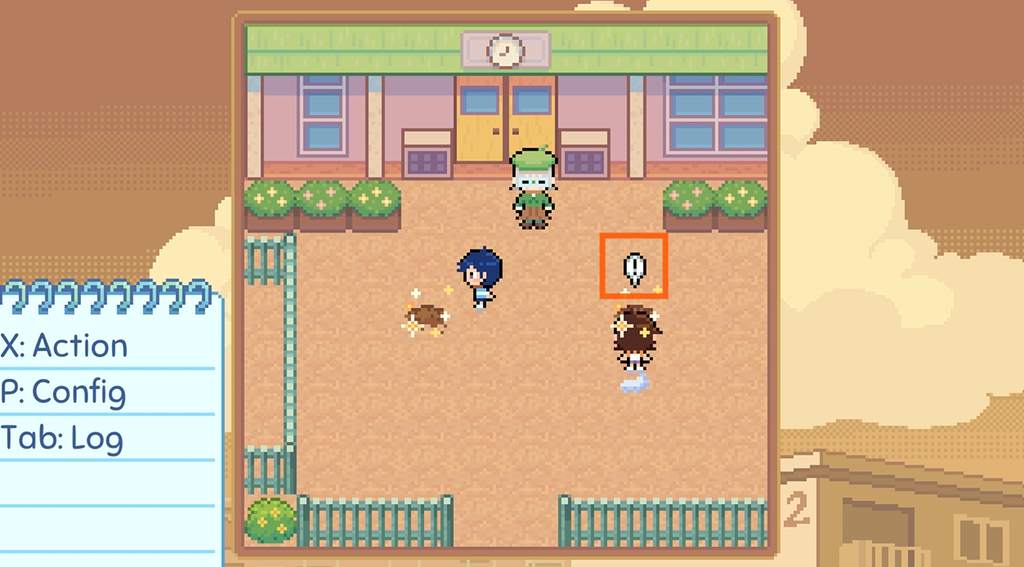
Once you have performed the Look action, move closer to the identified spot. An exclamation mark will appear. When the exclamation mark appears, press X to perform an Action. The action could be picking things up from that spot. To talk to a non-player character, move closer until the exclamation mark appears, then press X. To open a door, move close to the door until the exclamation mark appears, then press X.
Sensing
Danchi Days has a unique action called “Sensing”. This action helps your character discover something unexpected that will help you later in the game, one way or another.
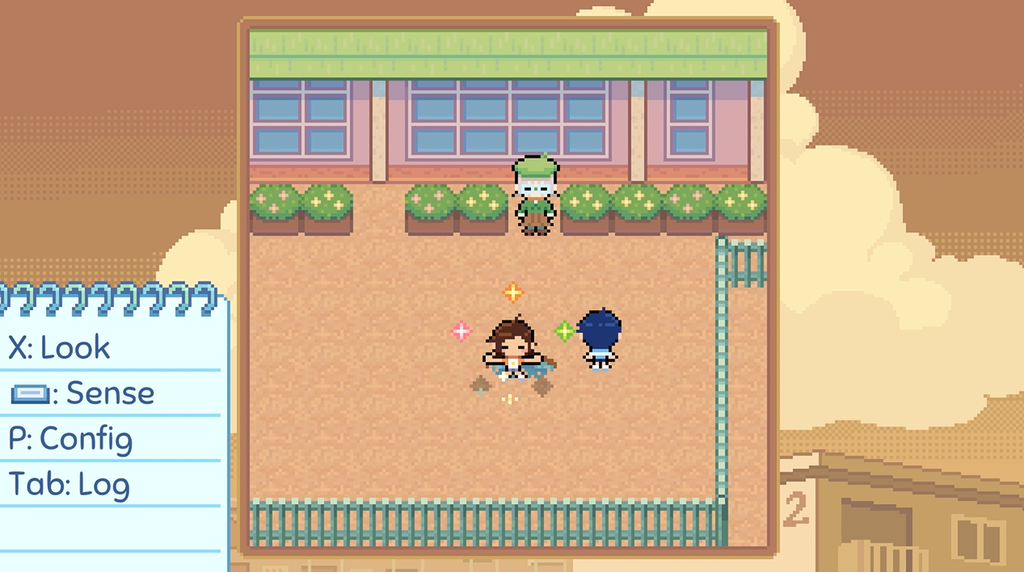
While exploring, you will notice certain spots emitting sparkles. These are your “Sense Points”. Some areas already emit sparkles, whereas sometimes you will have to look or perform an action to reveal sparkles. By “performing an action”, I mean moving closer to a spot until an exclamation mark appears and then choosing the action.
Once you start seeing sparkles, make sure you are close to them and then press and hold the spacebar to begin the “Star Stance”. Doing this, your character will start absorbing the sparkles.
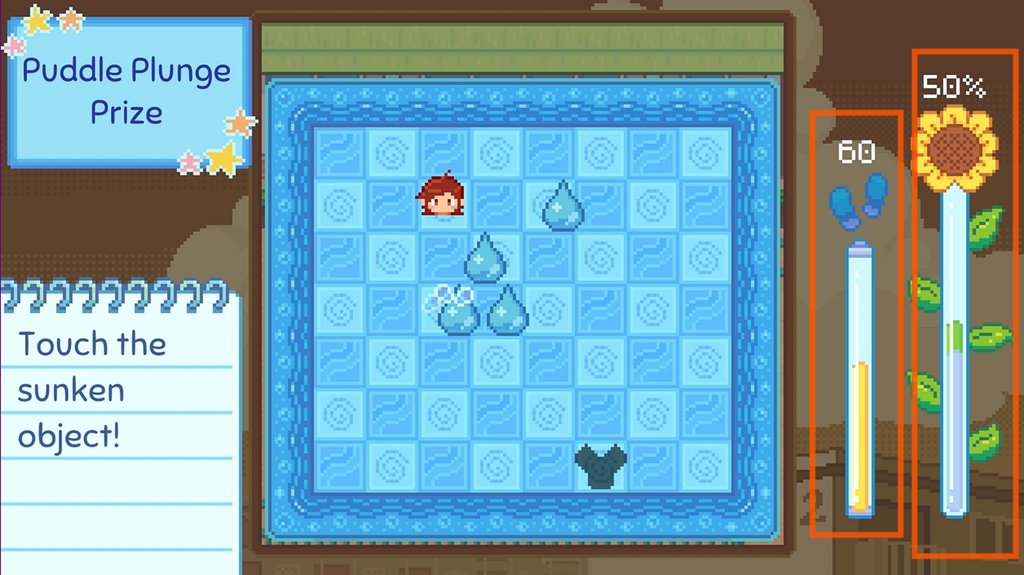
A “Sense Game” will be triggered when your character absorbs 5 sparkles. To create more sparkles, you will have to walk and walk out of the “Sense Point” multiple times. Once several sparkles are created, press and hold the spacebar to absorb. Once your character collects five sparkles, a mini-game will begin. To win, you will need to fill the Sunflower progress bar to 100%. Each mini-game has a different objective, so make sure to read the instructions on the memo in the lower-left corner of the screen. The first Sense Game, called Puddle Plunge Prize, requires you to touch a sunken object while avoiding moving water droplets. Subsequent mini-games introduce different objectives and unique challenges.
Keep an eye on the Footsteps Bar next to the Progress Bar. It depletes every time you move a tile. Once the bar runs out completely, your character will become too tired to continue, and you will have to restart the mini-game.
Chapter 1: The Changing Danchi
Day 1
Face the bed of clovers and look into it by pressing X. You may also see sparkles. After looking into the Clover, Hoshino says she might find something in this spot if she tries “Sensing” here. Step into the bed of clovers multiple times to generate more than five stars. Now, press the spacebar to absorb the stars and start the Special Something Search/Clover mini-game.
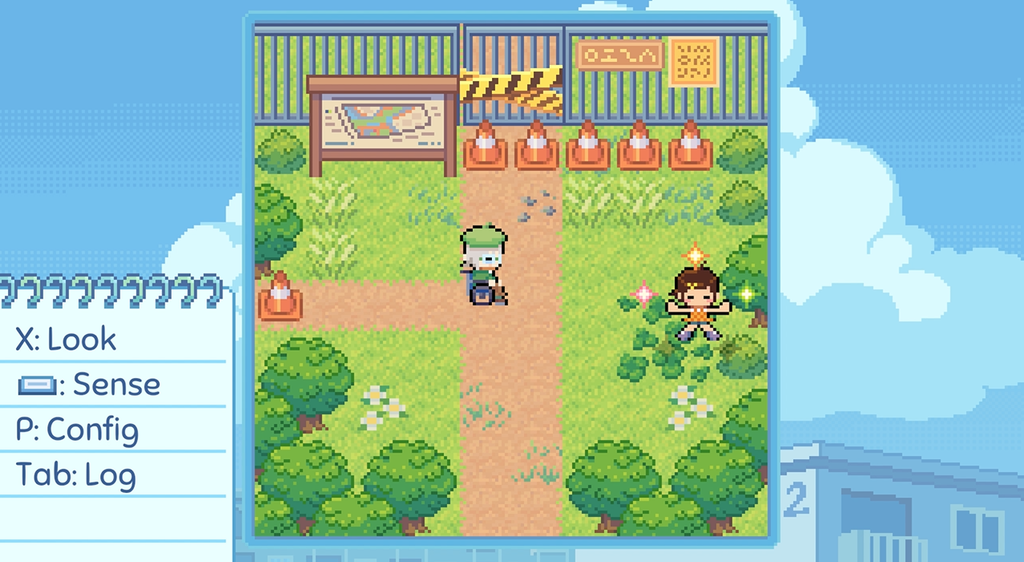
Clover Sense Game
In this mini-game, your goal is to touch the four-leaf clover. Each time you touch it, the Progress Bar fills up a little. But several three-leaf clovers act as obstacles, so you will need to move them out of the way to clear a path to the four-leaf clover. Keep an eye on the Footsteps Bar and make as few moves as possible. This will help you reach the clover more times before running out of energy and fill the Progress Bar faster.
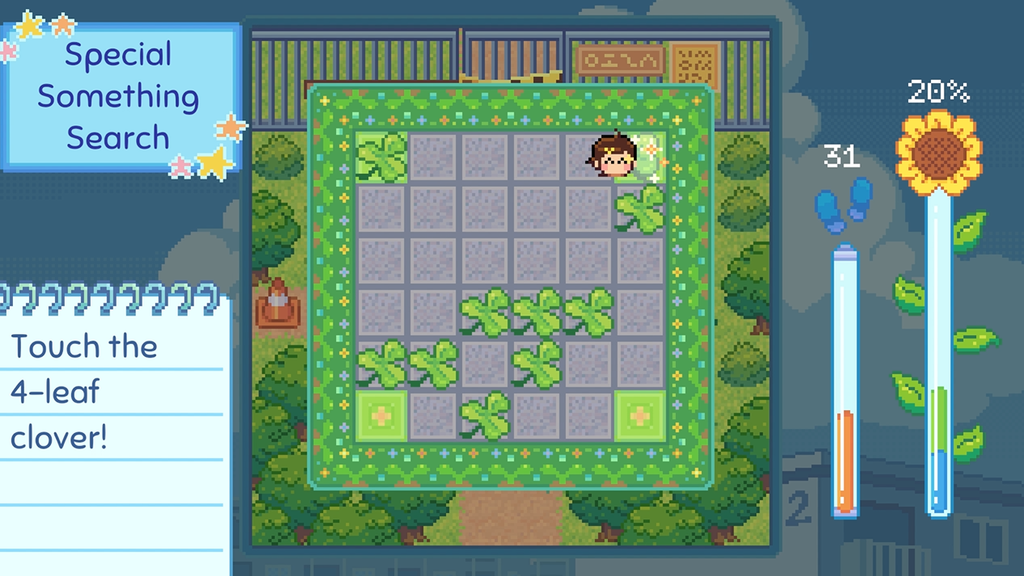
After completing this mini-game, Hoshino will find a special four-leaf clover. Move Hoshino closer to Grandma to show the clover leaf.
While talking to Rio, search for “Dementia” with the help of your in-game computer. Press the Enter button to bring up the radial menu. Press the left-arrow key to open the in-game computer.
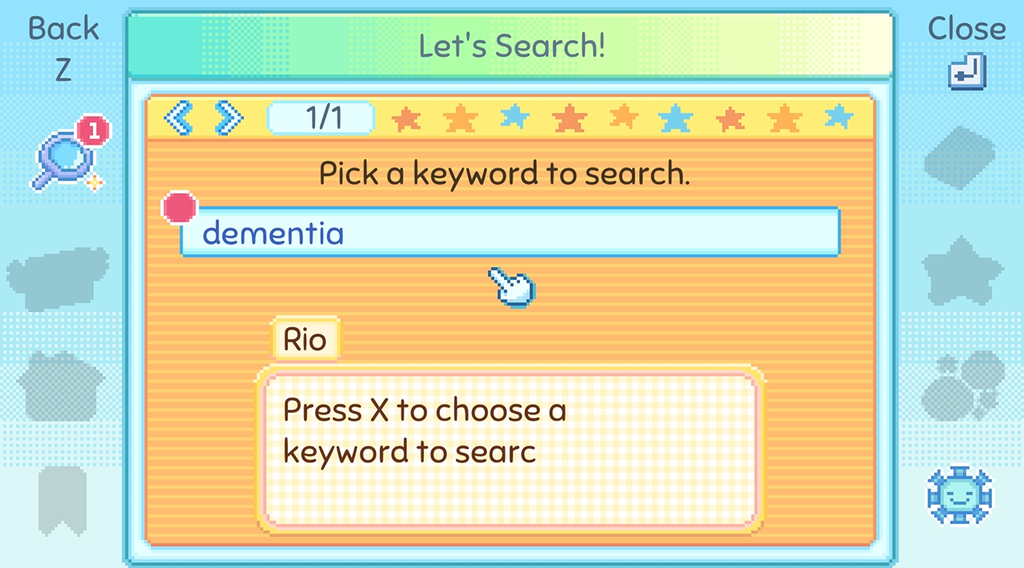
In the in-game computer, press X to select a keyword and Z to go back to a page. Click on the blue links to visit other pages.
Flyers and Danchi God
The Danchi Summer Festival needs to be revived. Hoshino will be the festival leader. Dad provides a new Danchi map to find the water tower. To access the map, press Enter to open the radial menu and press the down arrow key.
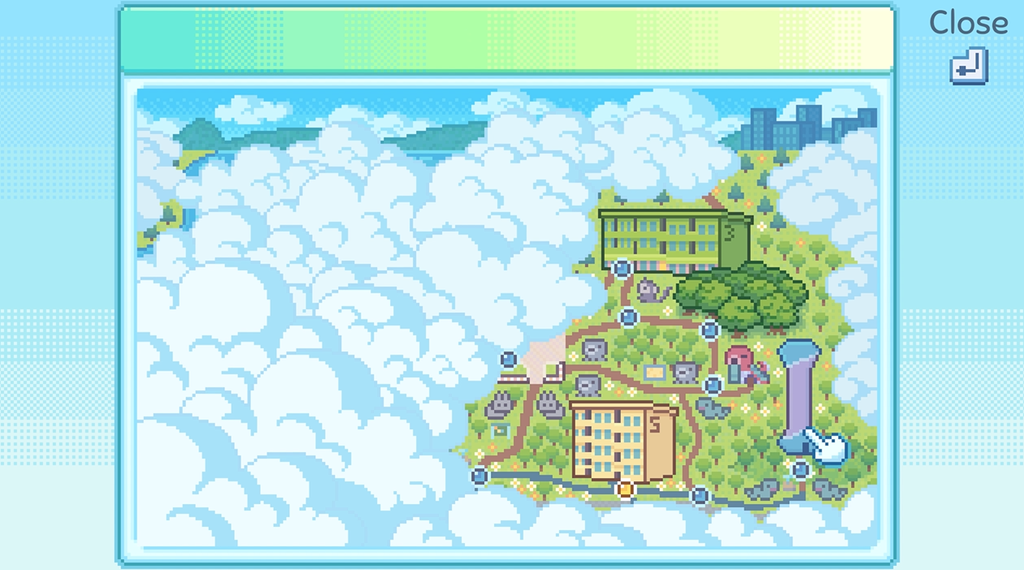
To offer the festival flower at the top of the Water Tower, first check its location on the new map. Exit Hoshino’s house and head east to find the Water Tower. Once inside, climb all the way to the top.
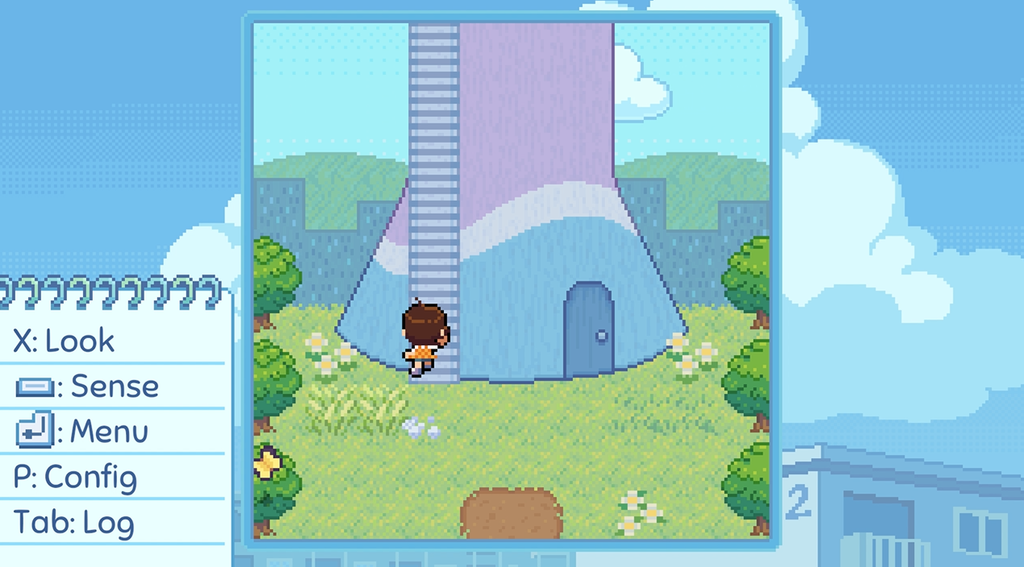
On the terrace, you will find a pentagram with five altars positioned at its five points. Move closer to the altar that has sparkles above it. Once you see the exclamation mark, press X to interact. Hoshino will place the flyer on that altar.
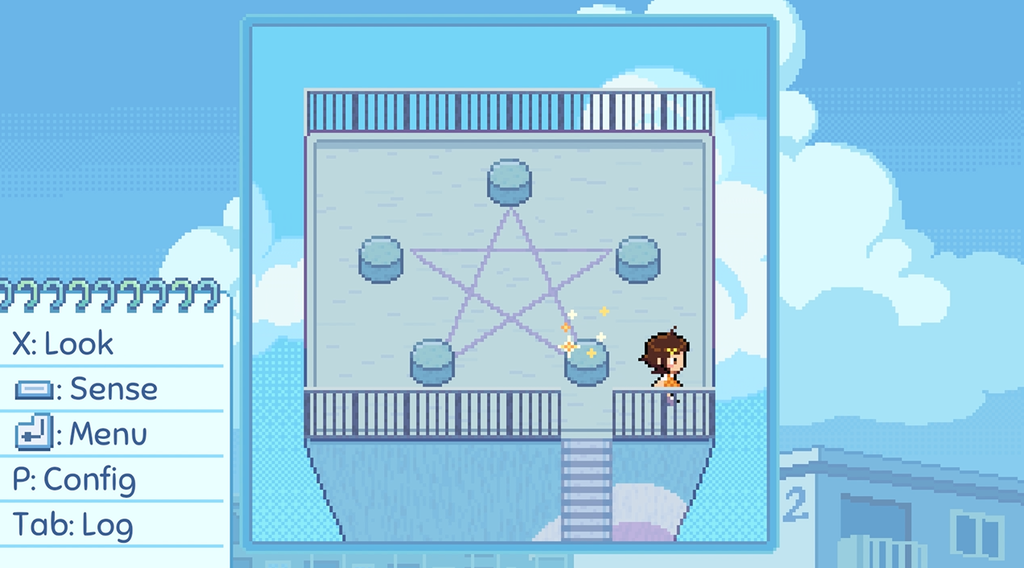
Doing this summons the Danchi God named Moro-Q. Is it a God or an Alien? He will offer his assistance to Hoshino to help prepare the festival together. He has also lost his memory, so along with helping you prepare the festival, he will try to regain his memory.
Hoshino has to find four more offerings. One was the flyers, which were placed on the first altar. The other four offerings are in Another Danchi. Both Hoshino and Moro-Q need to search for them.
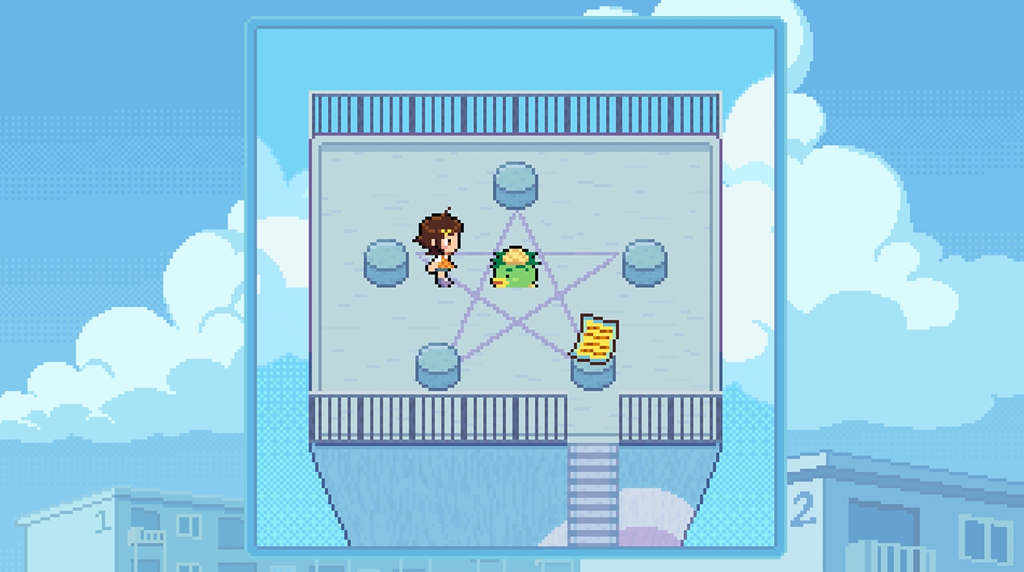
Next, you will need to hand out the remaining flyers to your neighbors. They need to know about the summer festival. To hand out a flyer to a neighbor, move closer to them until the exclamation mark appears and press X. Your first invitees are Hoshino’s grandma and dad. Both will RSVP to the festival.
The Neighbordex
Grandma suggests making a “Neighbordex”, like a Pokedex (After all, Danchi Days is a neighbor collecting game!). This tool lets you see info on the neighbors whom you have invited to the festival so far. You can use the Neighbordex to check their current location and their homepages. Using the in-game computer, Dad created this tool and even added a bookmark.
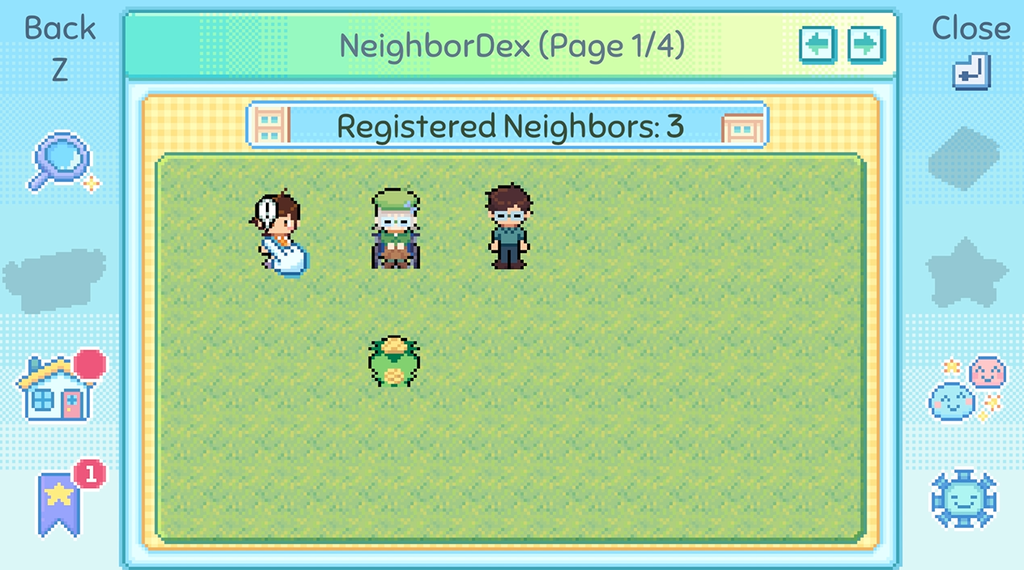
The summer festival will happen in nine days, and the Neighbordex will track your progress.
Press Enter to bring up the menu and then press the left arrow key to open the computer. In the Neighbordex, you will see three registered members so far: Hoshino, Dad, and Grandma. Click on a member to open their profile page. In the profile page, you can know thie current location, their DOB, and their job. Click on the homepage to know more about them. It’s like an old static web page with an About Me and other links. On your computer, all blue links can be clicked.
– When you give a flyer to a neighbor, they will be registered in the Dex.
– On the Dex, if a neighbor’s icon is greyed out, it means that you have invited them, but they have not agreed to come.
– Check the Sunflower mark on a neighbor’s profile page in the Dex. This mark indicates that the neighbor has RSVP’d to the summer festival.
– Clicking on the neighbor’s icon on the Dex gives access to various info, such as their current location, homepage links, and birthday.
– The NeighborDex can register the game’s protagonist (Hoshino) and fifty-one additional participants.
Every new in-game day, Hoshino will write down her day’s experience in her diary. You can read it
You can also spotlight a neighbor at the end of each day. Your Neighbordex will appear at the end of the in-game day. Click on a profile and hold X to choose “Yes”.
Day 2
Exit Hoshino’s house. The road’s blocked, so you need to take a different path – go Left > Down > Left. You will find a grassy area. There’s a water bucket and a hole in the ground.
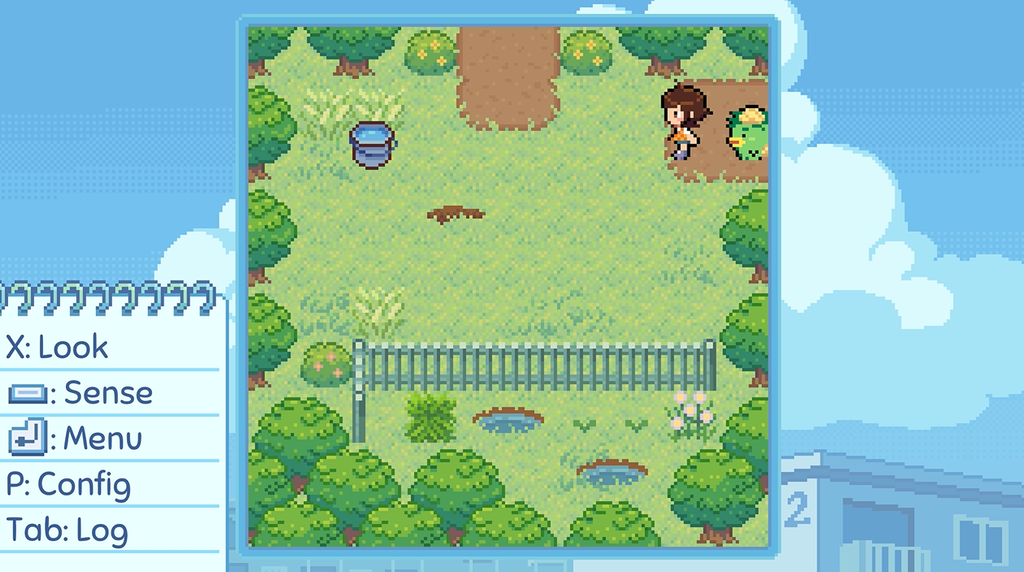
Hoshino can pick up some items. Move closer to an item and press X to pick it up. You can then place the same item elsewhere or give it to a non-player character by pressing X. If you want to store an item and use it later, move closer to it and press Z. It will be stored in Moro-Q’s bag. To use the same item, press the Enter key and press the right arrow key to open Moro-Q’s bag.
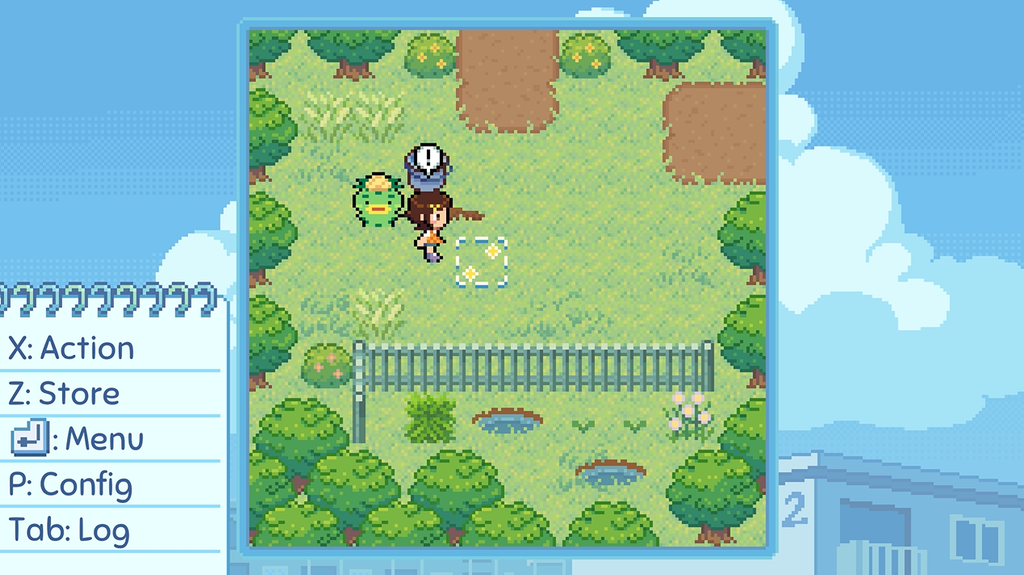
Move near the water container and press X to pick it up. Move close to the hole in the ground and press the X button again. Hoshino will drop the water container into the ground to form a puddle. A new character, Krysta Rippley, will appear in this location once you form a puddle.
After talking to Krysta, Hoshino hands over the flyer for the summer festival to her. But Krysta first wants Hoshino to touch the puddle and play with it. This is where your “Sensing” action will be needed. Move close to the puddle to create sparkles. Step in and out of the puddle to create more sparkles. Now press the spacebar to let Hoshino absorb five of them to start the “Get Muddy with Me” Sense minigame.
Mudball Minigame
Here’s how to play this Sense game:
In this Sense game, you will have to make and collect mudballs. Five water droplets will be bouncing up and down on a grid. Move closer to a dustball and press X so that it hits one of the bouncing water droplets and turns into a mudball. You need to time the hits as the droplets bounce off the top and bottom grids very fast. Shoot all dustballs at the right moment so that all five hit the five bouncing water droplets. Once they turn into mudballs, collect all five to complete the game.
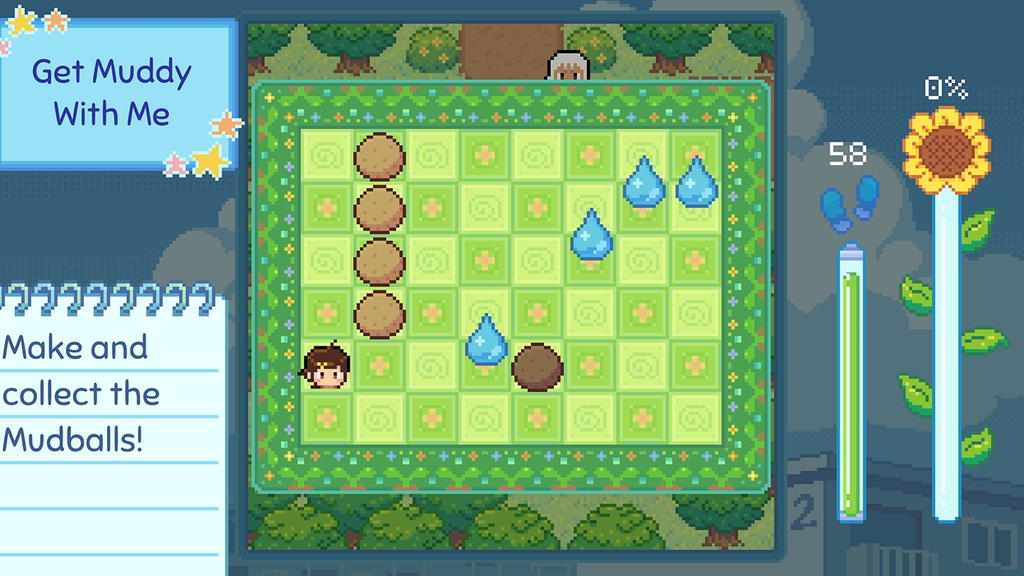
When a dirtball hits water, it absorbs it, so now you have four water droplets for the four dirtballs. While moving to collect the mudballs, pay attention to the footsteps meter. Every time you collect a mudball, the sunflower progress bar shoots up a bit. Collect all to fill the meter and complete the challenge.
Once you complete this minigame, you will get a mudball. Krysta will also RSVP for your summer festival. Exit the grassy area – Move Up and go left until you see an old man sweeping the ground. You can’t meet him, as there’s a wasp between Hoshino and the old man.
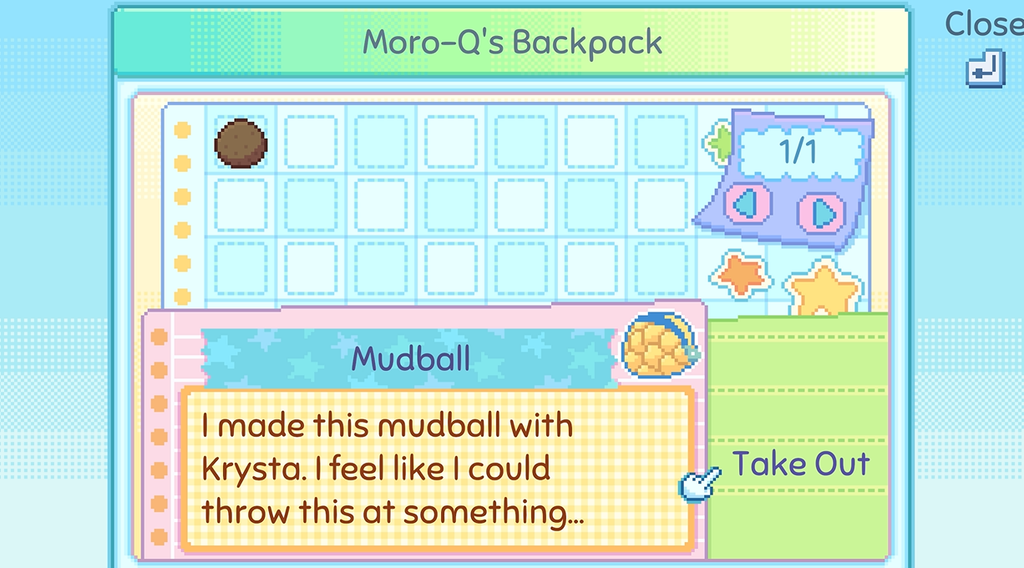
You will need some kind of tool to get rid of the wasp. Press the Enter key and hold the up arrow key to open Moro-Q’s backpack.
Click on the mudball that Hoshino made with Krysta. You can get this mudball after completing the minigame.
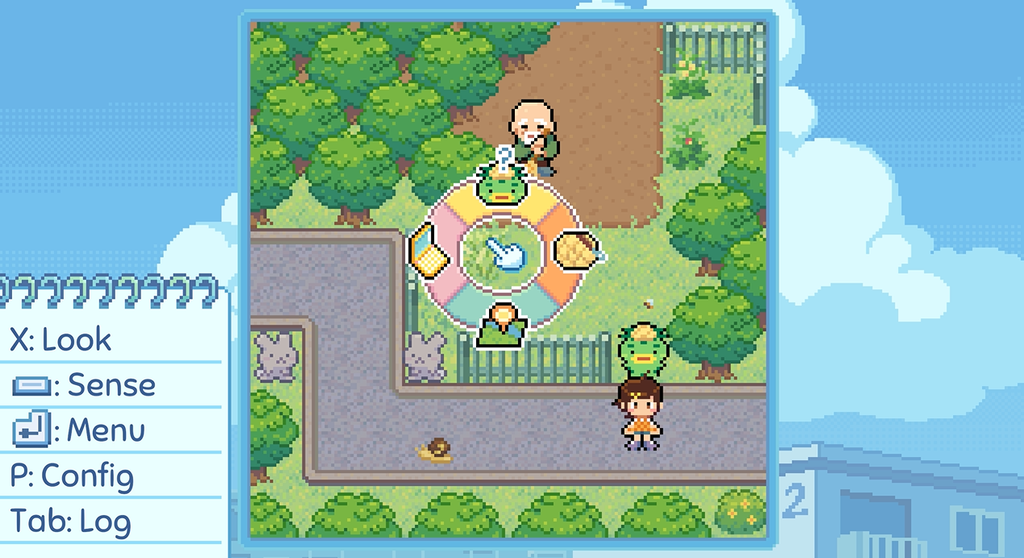
After selecting the mudball, click on “Take Out”.
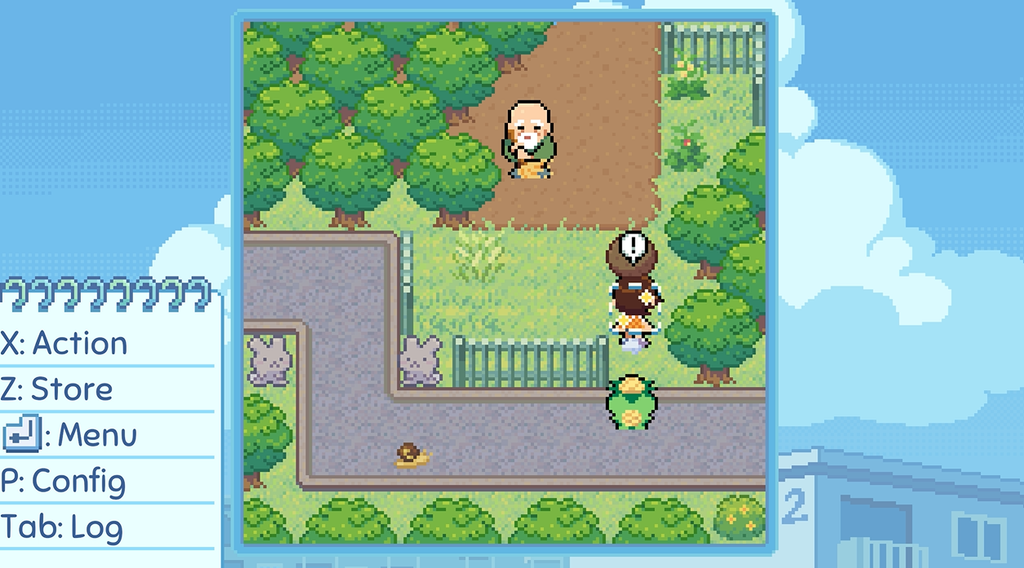
Move closer to the Wasp until you see an exclamation mark above it, and press X to drop the mudball on it. You can now talk to the old man.
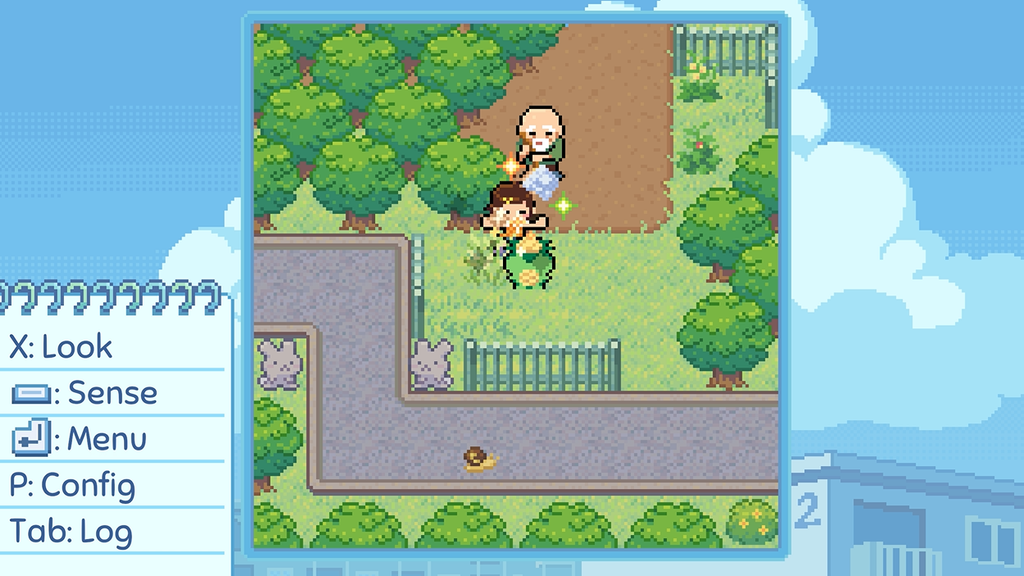
Talk to the old man. Hoshino hands over the festival flyer to him. He is fully focused on his sweeping. You will notice a few sparkles behind Hoshino. Step in and step out of the sparkles to create more, and press the spacebar to absorb 5 sparkles. By doing this, you will unlock a new Sense game.
Saint of Soft Sweeps
In this game, you just have to bump into trees repeatedly to get music notes. Here’s how to play:
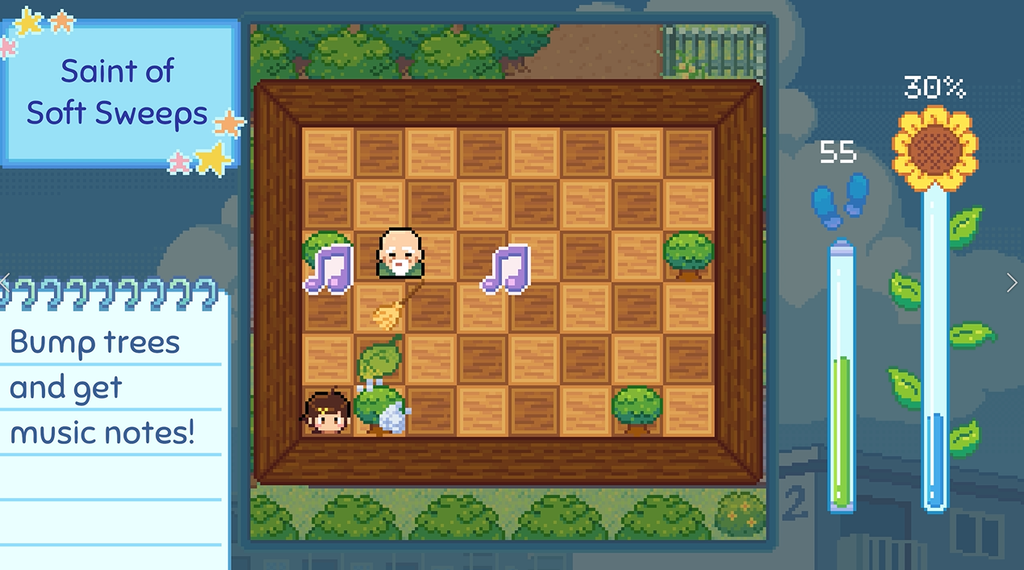
– When you bump into a tree, it sheds leaves. Move up and keep bumping into trees so that they keep shedding leaves. The old man sweeps them up and turns them into musical notes. Collect the music notes to fill the sunflower progress meter. Watch the step meter as you move.
Once you complete the minigame, the old man named Pete starts talking to you. He then RSVPs to the festival.
Check Email
After you finish chatting with Pete, you will get an email. To read the email, press the Enter key and then press the right arrow key to open the computer. On the sidebar, click on the envelope to read the email. It’s a letter from Krysta. Read it.
Continue talking to Pete. You will get an opportunity to travel back in time as Pete narrates his wonderful experience with Hoshino’s grandma. Select Yes. Select Yes when you get the “Return to present” Prompt on your screen.
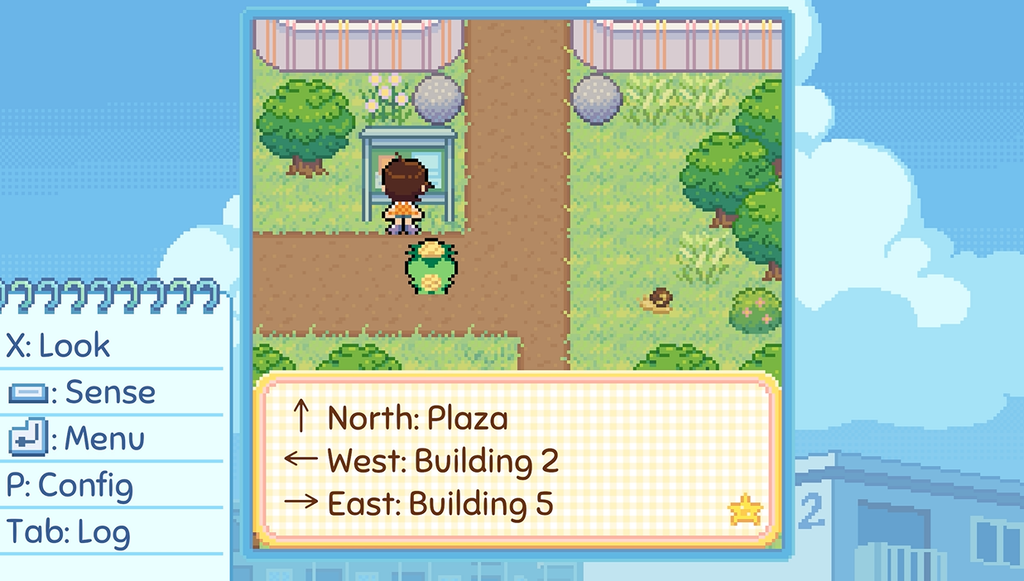
After talking to Pete, walk along the cobbled path to your left. Walk straight up until you see the signboard. Move close to the signboard and press X to read.
Polly
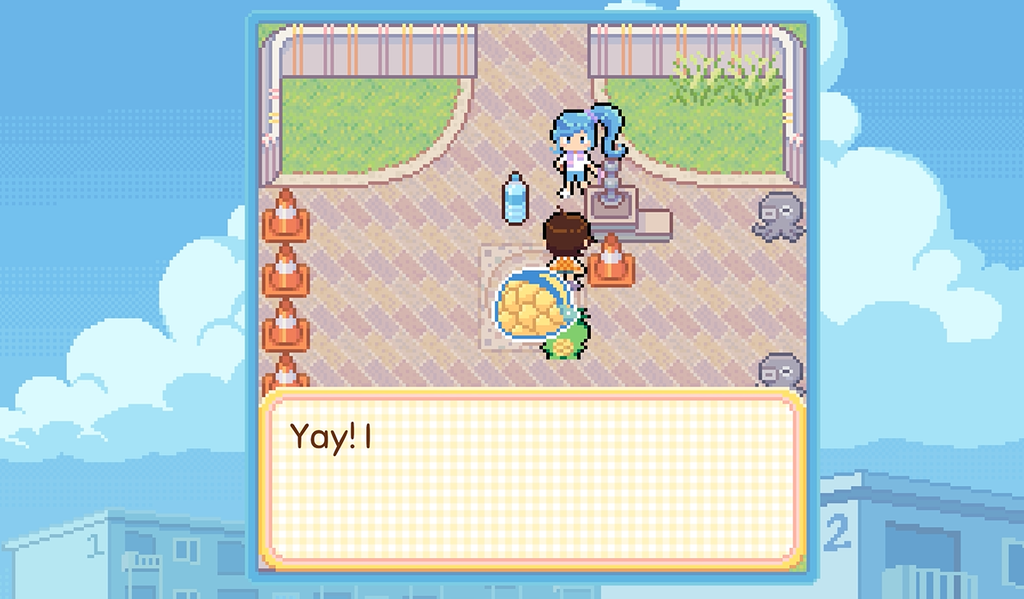
Move Up (North) and talk to Polly. She is busy polishing the fountain. She won’t be able to come to the festival, as she will be busy polishing all the fountains. She gives Hoshino a bottle of water.
Kandy
Move further North and talk to Kandy.
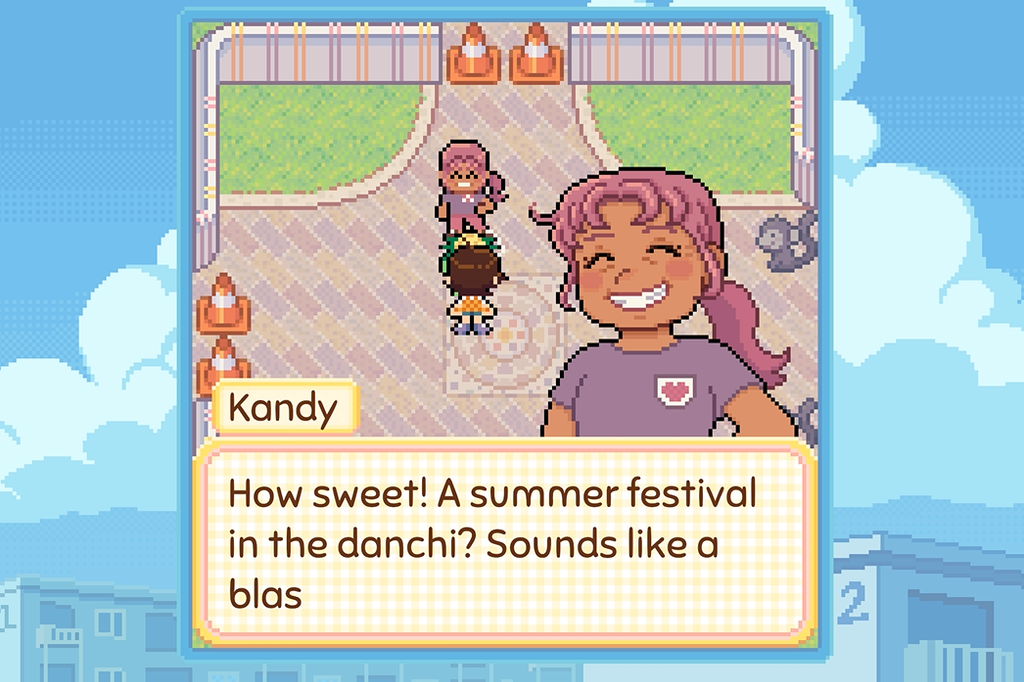
Hoshino tries to invite her to the festival, but Kandy declines as she is busy. She tells Hoshino to check her homepage to know what work she is busy with. You can open your computer and check your bookmarks to find her homepage.
Chathie (Catty Chathie Minigame)
Move South (Down) > West (Left) and talk to Chathie to trigger the Catty Chathie minigame. In this game, Chathie drops chat bubbles; move your character to bump into those chat bubbles. Whenever a bubble hits Chathie, your progress bar fills a bit. Keep hitting her with chat bubbles to fill the progress bar fast.
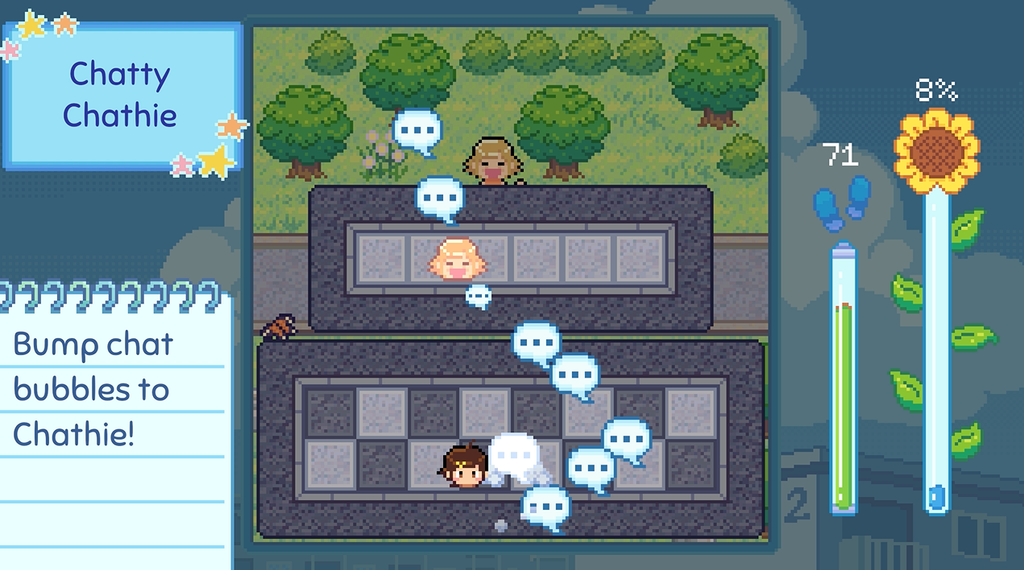
After finishing this minigame, Chathie keeps talking until her throat dries up. She starts coughing. Press Enter to open the radial menu. Press the Up arrow to open the inventory (Moro-Q’s bag). Take the water bottle that Hoshino got from Krysta and give it to Chathie. A happy Chathie will instantly RSVP to the summer festival.
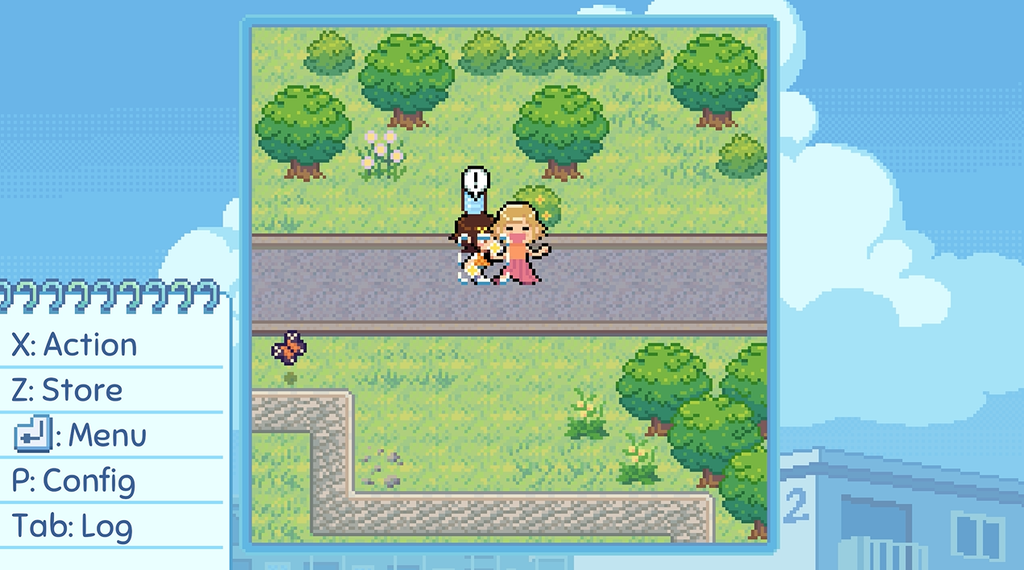
Chathie asks if the water was from home, as it was so refreshing to drink. Hoshino tells her she got this water bottle from Polly, and she is near the fountain in the plaza.
Chathie meets Polly and offers to lend a hand in polishing the fountains. A Happy Polly has now RSVP’d to the festival.
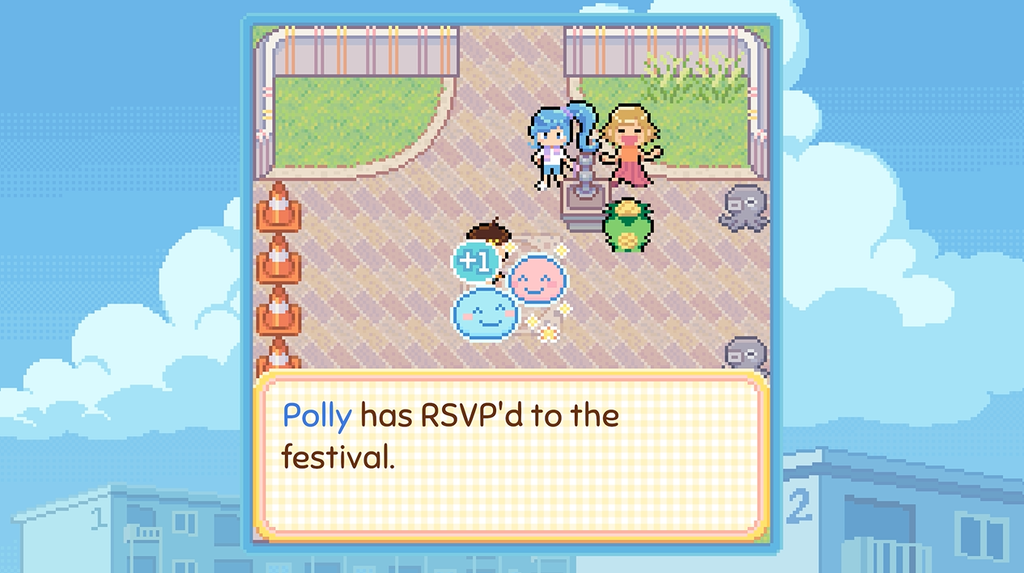
Hoshino has made good progress in inviting seven people to the festival. Return home and rest to end chapter 1.